🏃 Active by design
Every game here is played standing up. Punch to the beat in Fitness Boxing, jog through Pose Runner, or duck and jump in Temple Dash. A play break that doubles as a workout.
YOUR BODY. YOUR CONTROLLER.
Your next play break starts here. Jump, punch, and move through free webcam games. No console required.
Explore the games FEATURED GAMEJOG. POSE. REPEAT.Pose RunnerA seaside escape with every step.
Go for a quick challenge or make it a workout.
Allow webcam access, then give yourself room to move.
Follow the prompts. Your movements control the game.
THE GAME ROOM
211 games. Zero controllers.
Be a water droplet and ride the whole cycle. Evaporate, cloud, rain, repeat.
Jump, squat & leanRun to build the pressure, then jump and erupt. Watch your volcano grow.
Run & eruptBe a seed and grow into a flower. Crouch, stand, reach, bloom, repeat.
Crouch & growDog or rock? Tree or toy? Lean left for living, right for not. Sort them all.
Lean to sort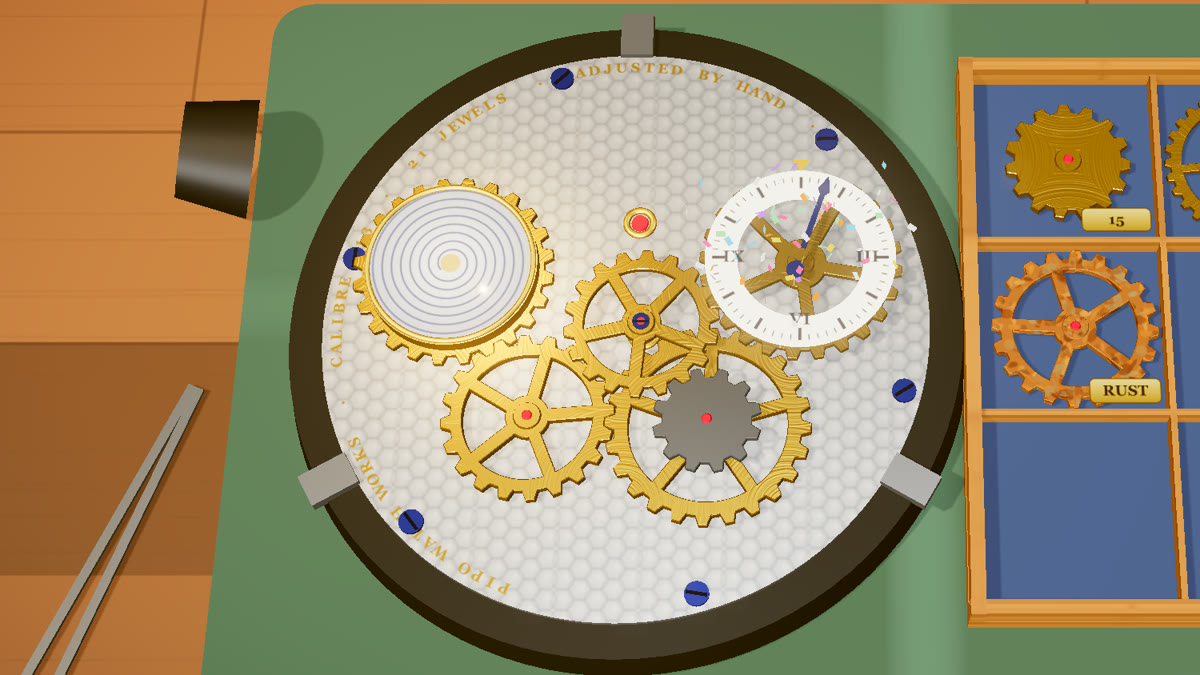 New game
A jammed clock movement on a little tray. Lift out the bad wheels, fit gears that just mesh, mind which way each one turns, set the hand to 12 and hear it tick again.
Drag, mesh & run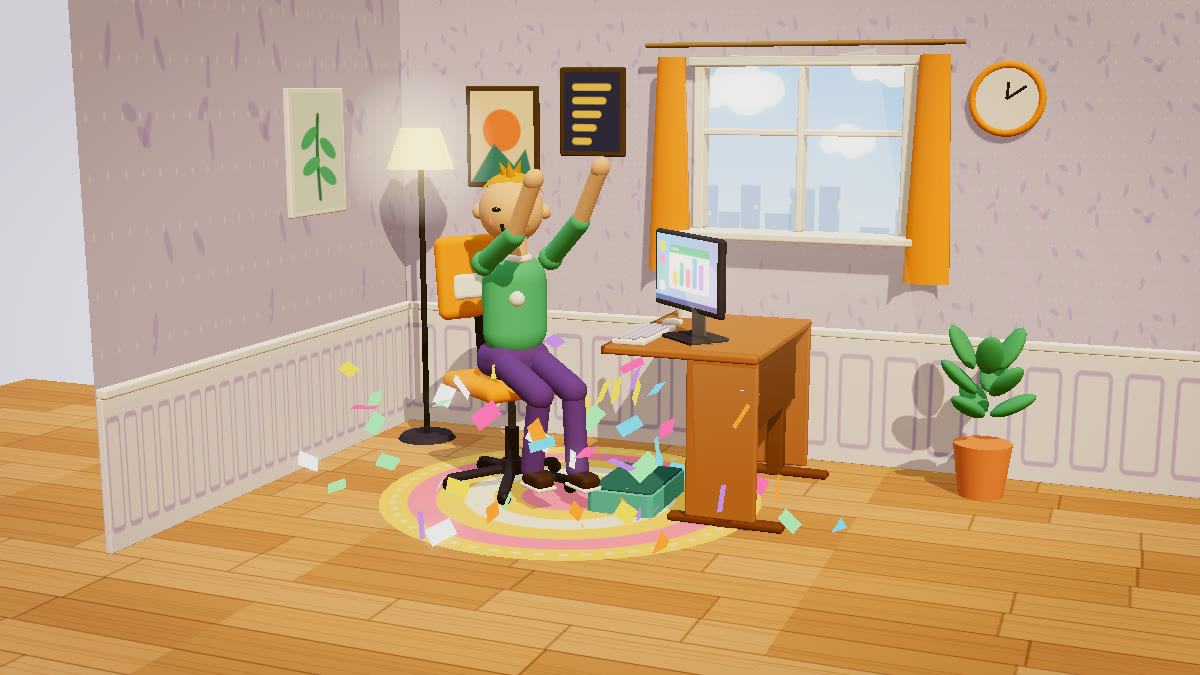 New game
Fit a toy client's desk so knee, elbow and gaze angles all hit their targets at once: drag the chair, desk and screen, add a footrest or a tray, then test.
Read, adjust & testWHY PLAY WITH YOUR BODY
Every game here is played standing up. Punch to the beat in Fitness Boxing, jog through Pose Runner, or duck and jump in Temple Dash. A play break that doubles as a workout.
Kids remember what their body does. Finger Math turns sums into raised fingers, Letter Pop makes the alphabet something you reach for, and Human Clock lets you learn the time by being the clock. Science comes alive too: ride the Water Cycle or grow a Plant Life Cycle with your whole body.
The camera is an input device, not a broadcast. All motion tracking runs on your own device, in your browser. Nothing is recorded, nothing is uploaded, ever.
No installs, no accounts, no consoles. Open a game, allow the webcam, step back and play. It works on laptops, desktops and tablets with any modern browser.
GOOD TO KNOW
No. Every game runs directly in your web browser: open the page, allow the camera, and play. There is nothing to install, no account to create, and every game is completely free.
Never. All motion tracking runs locally on your own device using on-device machine learning. The camera image is processed in your browser and is not recorded, stored, or sent to any server.
A computer, laptop or tablet with a webcam and a modern browser such as Chrome, Edge or Safari. Stand back so the camera can see you, and clear a little space to move. About an arm’s length on each side is plenty.
Yes, the arcade is family-friendly and several games are built for learning: Finger Math teaches counting and sums answered with real fingers, Letter Pop teaches the alphabet and first spelling, Human Clock teaches telling the time, and Quiz Dash mixes running with numbers, flags, animals and space questions. A growing set of science games lets kids act out real processes with their body: the Water Cycle, how a Volcano builds pressure and erupts, a Plant Life Cycle from seed to bloom, and sorting the world into Living or Not.
Yes. The cooking games need no camera at all: Crêpe Stand, Latte Art, Takoyaki Grill and the rest of the kitchen are played with a mouse or a finger, in English, Vietnamese, Japanese or Chinese. Most motion games also include a keyboard or mouse fallback, though moving is the fun part, so we recommend playing those with the webcam on.
They get you off the couch: punching to the beat, running in place, squatting under obstacles and reaching for targets all raise your heart rate. Games like Fitness Boxing and Pose Runner are designed as real mini-workouts.
Clear a little space. Try something new. Make your next move a fun one.